Whole classes going online
WiFi copes with a few devices but falls over when a whole class opens their laptops at the start of a lesson.
How we fix it: We design each classroom for a full class of devices, using access points built for busy spaces.

Home Industries Schools & Education
Lessons, exams and admin depend more and more on the network. We survey, install and look after WiFi for schools, colleges and nurseries across the Midlands, designed for busy classrooms and safe for pupils.
Each group kept on its own network
Schools ask more of their WiFi than most workplaces. These are the problems we see most often, and what we do about them.
WiFi copes with a few devices but falls over when a whole class opens their laptops at the start of a lesson.
How we fix it: We design each classroom for a full class of devices, using access points built for busy spaces.
Older blocks, temporary classrooms and sports halls often have weak signal, or none at all.
How we fix it: The survey covers the whole site, so every teaching space gets coverage, including the tricky buildings.
Pupils need filtered, monitored internet access that's kept apart from staff systems and personal devices.
How we fix it: Separate pupil, staff and guest networks, set up to work with your web filtering and safeguarding tools.
Staff, pupils, visitors and devices all on one network makes it hard to control who can reach what.
How we fix it: Separate networks for each group, so staff systems stay protected and access is simple to manage.
Installation work during term means noise, lost classrooms and kit going in around lessons and exams.
How we fix it: We plan the work for school holidays, weekends or after school, so teaching isn't disrupted.
Many schools don't have a full-time network manager, so problems sit there until someone has time to look.
How we fix it: With Managed WiFi we monitor the network, keep it updated and fix most problems remotely for you.
From a small nursery to a large secondary site, we start by understanding how the buildings are used, then design around it. We work with schools right across the Midlands, including Birmingham, Coventry, Wolverhampton, Leicester, Nottingham, Derby and Stoke-on-Trent.
Reliable WiFi in every classroom, filtered for pupils and simple for staff to look after day to day.
Large sites with lots of buildings and devices, and a need for strong control over who gets access.
Students on their own devices, busy shared spaces and teaching rooms that fill up all at once.
Simple, secure WiFi for staff tablets, learning journals and the apps parents use to keep in touch.
Every school is different, which is why we always survey first. But to give you an idea, this is what a typical school setup includes.
This is an example only. Your survey tells us what your school actually needs.
We'll recommend the right kit for your school. See the brands we use
Most schools don't have a full-time network manager. With Managed WiFi, we monitor the network around the clock, keep it updated and fix most problems remotely, often before a lesson is affected.
We walk the site and talk to you about how it's used. Free in the Midlands.
Within 2 working days, showing the kit, the work and what's included.
Usually 2 to 4 weeks from go-ahead, done out of hours if you need it.
Managed WiFi, or support as and when you need it, from the same team.
Office WiFi is part of Telecom Central, so these are our Google reviews as Telecom Central. Same team, same engineers.
Read all our reviews on GoogleOur company has been using Telecom Central for over a year now and their service has been nothing but professional and efficient. There is always someone to hand if there are any problems, which are always dealt with promptly. Great team would highly recommend!
Telecom Central have been amazing to work with Jamie, Kelly and the team really go above and beyond to help and make sure the telecoms projects are fully completed in line with our requirements. they have never said they cant do something. Great service delivery team and I look forward to working with you on more projects.
Telecom Central are a great company and we have been working with them for over 5 years now. Jamie and Darren deserve a special mention, as they are great technicians and nothing seems to be too much trouble for them. We really appreciate their willingness to go above and beyond and make things happen for us when we need it. Highly recommended!
The things schools usually ask us before booking a survey.
Give us a call or drop us an email. You'll speak to someone who knows WiFi, not a call centre.
0333 320 9333hello@officewifi.co.uk
Book a free surveyYes, that's what we design it for. Each classroom is planned for a full class of devices, so lessons don't stall when everyone logs in at the same time.
Yes. We set the network up to work alongside your existing filtering and safeguarding tools, with pupils on their own network so the right rules apply to them.
The Department for Education publishes standards for wireless networks in schools, and we design with them in mind. We're happy to talk through how your network measures up.
Yes, and we usually recommend it. We can also work weekends or after school. Out-of-hours work is charged extra, and we'll show that in the quote.
Yes. Each group gets its own network with its own access rules, so staff systems stay protected and visitors can get online without the staff password.
Yes. The survey covers the whole site, and outdoor or point-to-point links can bring WiFi to separate buildings where cabling isn't practical.
Sometimes, yes. If you already have UniFi, DrayTek or Omada kit, it may just need setting up properly or an extra access point in the right place. If it makes more sense to replace it, we'll tell you why. Either way you'll get an honest answer after the survey.
The survey, a design for your site, the kit, any data cabling, mounting and setting up the access points, testing in every teaching space, and showing your staff how it all works. You'll know exactly what's included before you go ahead.
Usually 2 to 4 weeks from go-ahead, mostly waiting for the kit to arrive. The work on site itself is usually quick, and we'll give you a timescale in your quote.
Yes. With Managed WiFi we monitor your network 24/7, keep it updated and fix most problems remotely, often before you notice. If you'd rather not have a contract, we also offer support as and when you need it, with a response within 4 working hours.

Reliable video calls, busy meeting rooms and hot desks.
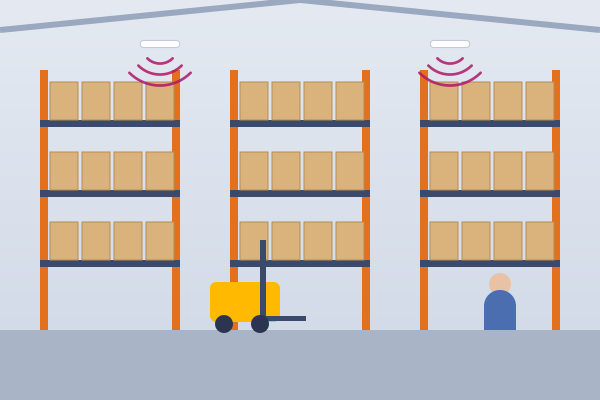
Coverage around racking and high ceilings, with scanners that stay connected.
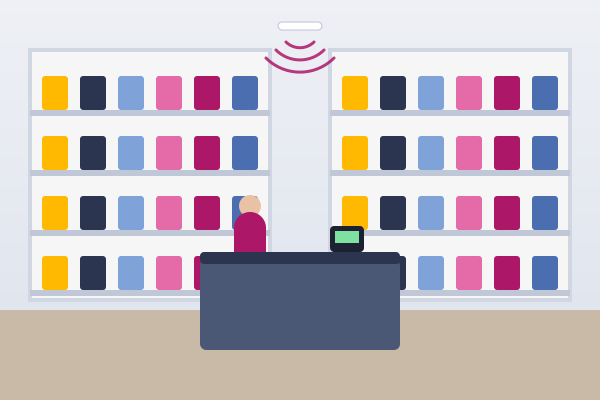
Separate networks for tills, card machines and customer WiFi.
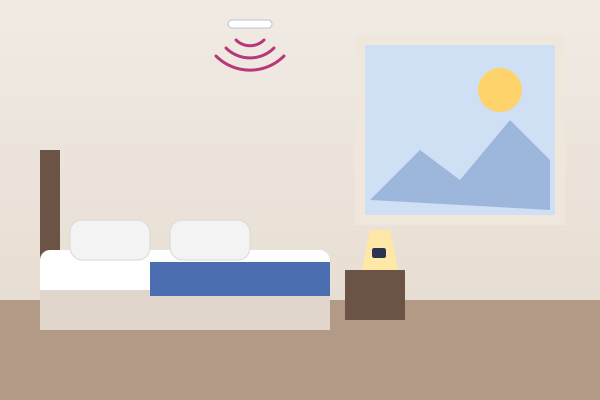
Good WiFi in every room, plus a guest login that looks like yours.
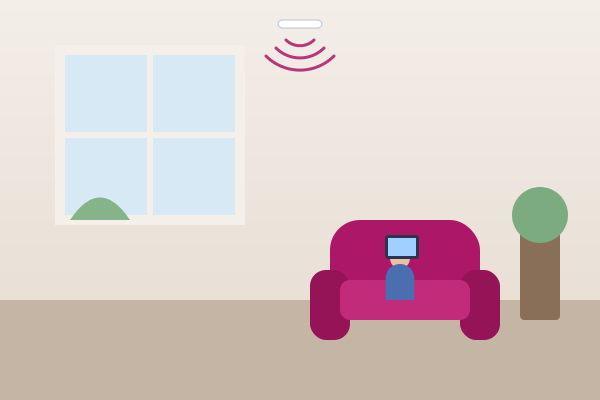
Coverage in every room for care apps, staff and residents.
A secure staff network and separate WiFi for patients.